


Blox Fruits Private Server (Working) | Vip Servers #1

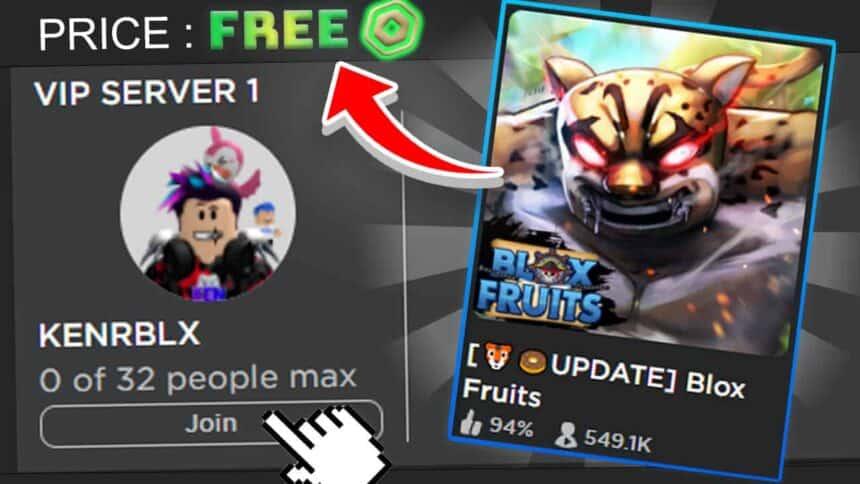
Access exclusive private servers for Blox Fruits - perfect for grinding, PvP, and Sea Beasts without interruptions.
Fast Spawns
Reduced cooldowns for bosses, fruits, and resources
Private Access
Invitation-only servers for uninterrupted gameplay
100% Free
All servers owned by Gamersberg, no cost required
Free Private Server Links
Click any link below to instantly join our free VIP servers. All servers are maintained by Gamersberg and available to all users.
Special Private Servers
These specialized servers are optimized for specific activities like boss farming, fruit hunting, and PvP practice.
Video Guide
VIP servers are private instances in Blox Fruits that offer players exclusive features and perks. These servers provide a controlled environment where you can:
Grind levels without interruption from other players
Farm rare items and resources more efficiently
Practice PvP with friends in a controlled environment
Complete quests and missions at your own pace
Frequently Asked Questions !
Why is the Blox Fruits Private Server say it's full?
Private servers in Blox Fruits have a player cap. When a server fills up, you won't be able to join until someone leaves. Check back in a few minutes, or try a different server from the list
Will the server link expire or stop working?
Gamersberg maintains and updates server links regularly. If a link stops working, it usually means the server was replaced with a fresh one. Refresh the page to get the latest active links. Bookmark the Gamersberg page rather than a specific server link.
If you still find a broken server then click the report icon beside the private server button. Our Team will resolve it within 12 Hours.
How do I find other players to play Blox Fruits with?
Use Gamersberg Rooms for Blox Fruits it's the easiest way to find active players right now. Rooms are organized by activity so you can jump straight into what you want to play weather it's Grinding, Sea events, PvP, Raids and more.
Why can't I join the private server? It says I'm not allowed or the server is restricted.
This is likely Roblox's account restrictions for players under 13. Roblox automatically restricts younger accounts from joining private servers they weren't explicitly invited to. This is a Roblox safety feature, not a Gamersberg issue. To fix it, a parent or guardian can adjust the account's privacy settings in Roblox's parental controls under Settings → Security → Account Restrictions.